IELTS Writing · Features 10/10
Comfortable reading: themes and text size
Read samples in Light, Dark or Sepia theme, switch to night mode from any reader, and set the text size from S to XL.
 iPhone version coming soon
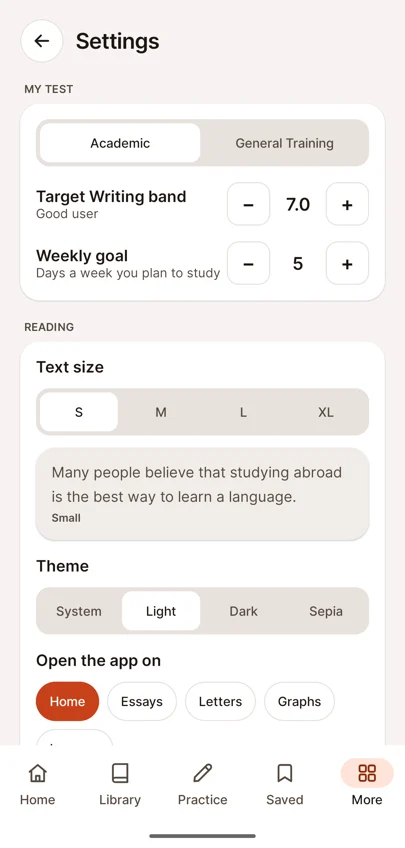
- Settings with test type, target band, text size and theme
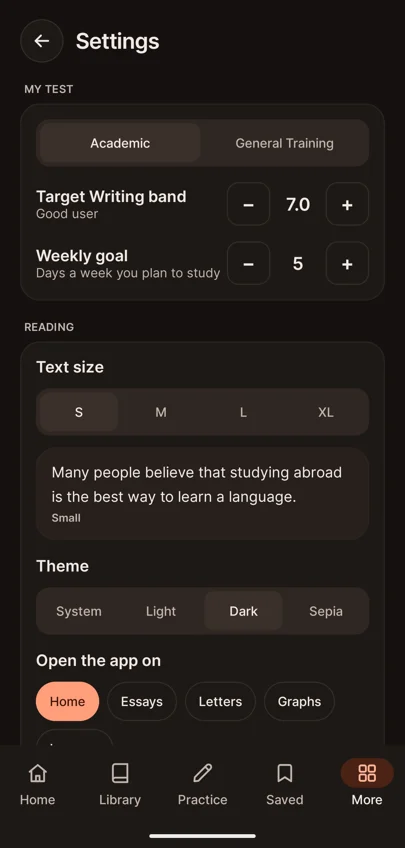
- Settings in Dark theme
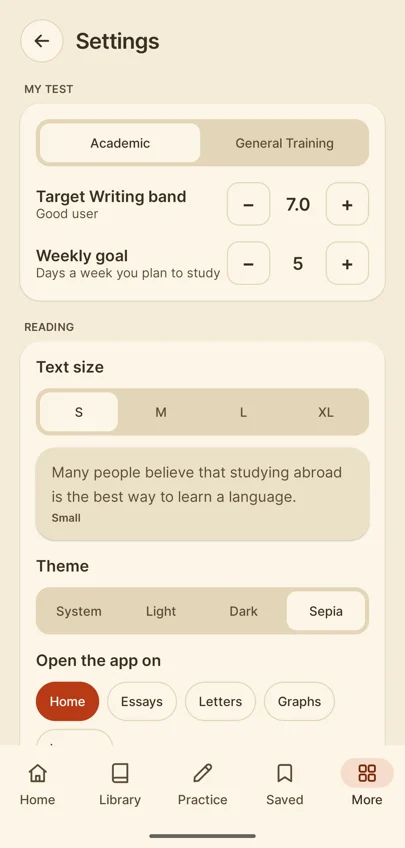
- Settings in Sepia theme
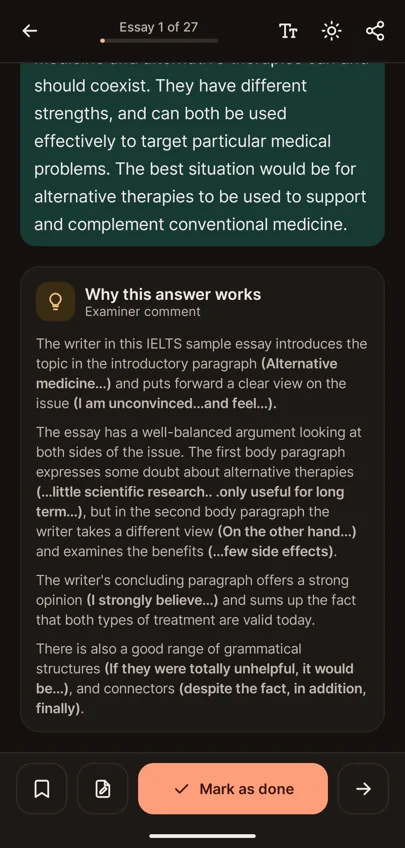
- Essay reader in night mode
You will read a lot of model answers, so the app makes reading easy on the eyes.
Choose System, Light, Dark or Sepia in Settings, or switch between day and night mode from the reader's toolbar. Set the text size from S to XL and see a preview before you apply it.
You can also choose which screen the app opens on — Home, Essays, Letters, Graphs or Lessons — and whether to confirm before removing saved items.
Questions about Comfortable reading: themes and text size
Does the IELTS Writing app have a dark mode?
Yes. Choose System, Light, Dark or Sepia in Settings, or switch between day and night mode from the reader.
Can I make the text bigger?
Yes. Set the text size from S to XL and see a preview before you apply it.
Can I choose which screen the app opens on?
Yes. Open the app on Home, Essays, Letters, Graphs or Lessons.